
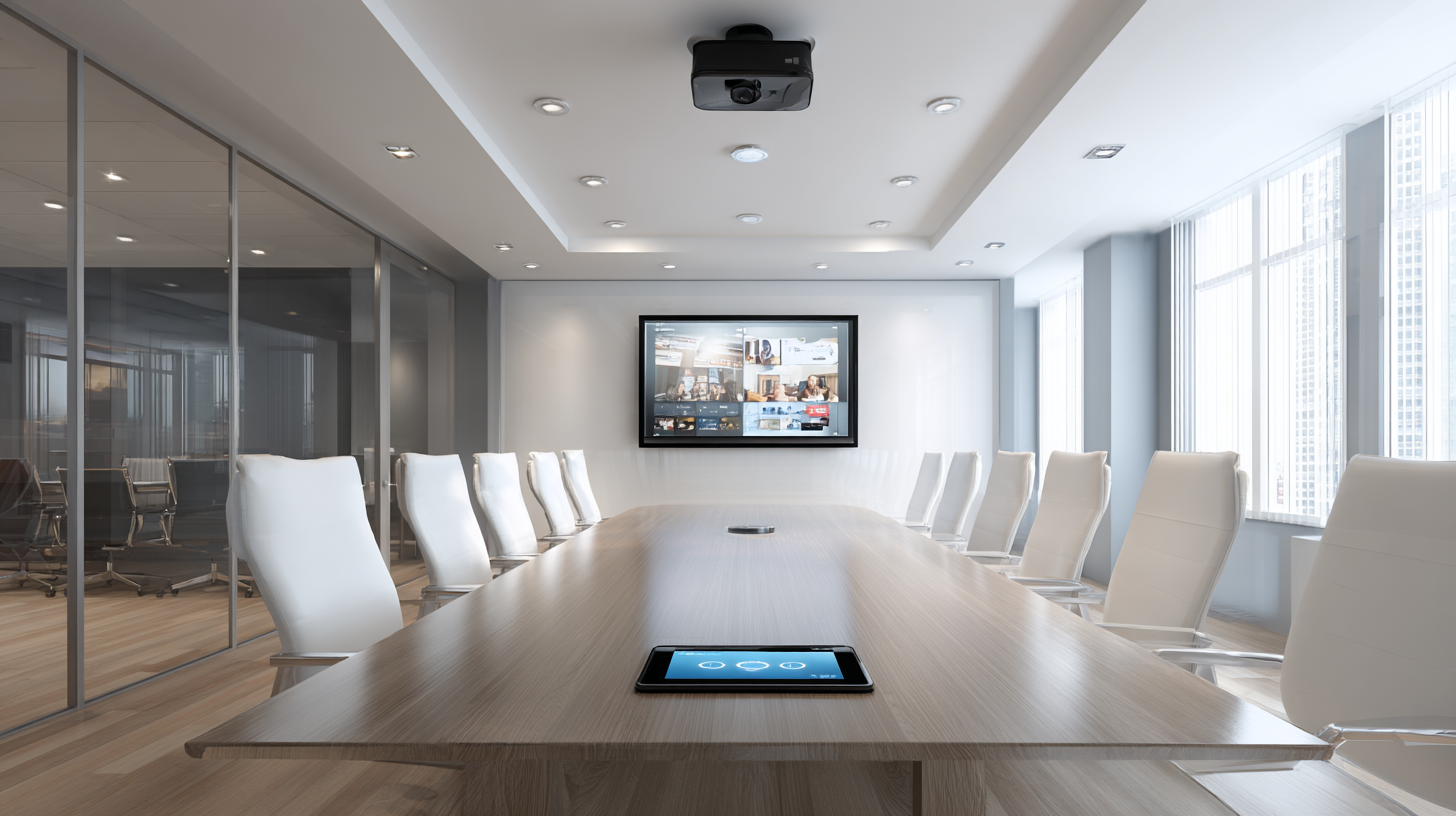
AV stands for audio-visual - technology that combines sound and image to deliver, capture, or record information. AV systems include hardware for audio reproduction, video display, and signal management, ranging from a single projector and microphone to fully integrated conference room or home theater installations.
What Does AV Stand For?
AV stands for audio-visual. The term refers to any technology, system, or content that involves both a sound component (audio) and an image or video component (visual). In a functioning AV system, both elements are delivered simultaneously through integrated hardware.
Not all sound or video equipment qualifies as AV. A public address (PA) system that broadcasts audio only, or a digital sign that displays images without sound, are single-channel systems - not AV. AV specifically describes the integration of both channels into a unified system where audio and visual signals are synchronized and managed together.
In professional contexts, "AV" most commonly refers to installed systems in commercial or residential spaces - conference rooms, classrooms, houses of worship, auditoriums, and home theaters. This distinguishes professional AV from consumer electronics, where the term is used more loosely.
What Does AV Equipment Include?
AV equipment encompasses the hardware used to capture, process, transmit, and reproduce audio and visual signals. A complete AV system consists of input devices, signal processing and control equipment, output devices, and the cabling or network infrastructure that connects them.
The standard categories of AV equipment are:
|
Category |
Equipment |
Function |
|
Audio input |
Microphones, line inputs |
Capture sound from a source |
|
Audio output |
Speakers, amplifiers, subwoofers |
Reproduce sound in the space |
|
Video input |
Cameras, media players, computers |
Provide a visual signal source |
|
Video output |
Projectors, flat panel displays, video walls |
Display visual content |
|
Signal processing |
AV receivers, DSPs, switchers, mixers |
Route and process audio/video signals |
|
Control |
Control processors, touch panels, remote systems |
Manage system operation |
|
Infrastructure |
Cables, connectors, wall plates, AV-over-IP networks |
Connect all components |
Not every AV installation requires all seven categories. A basic conference room system may consist only of a display, a speakerphone, and a camera. A full home theater installation typically includes components from all seven categories, including a dedicated DSP, multichannel amplification, and an automation control system.
Where Is AV Technology Used?
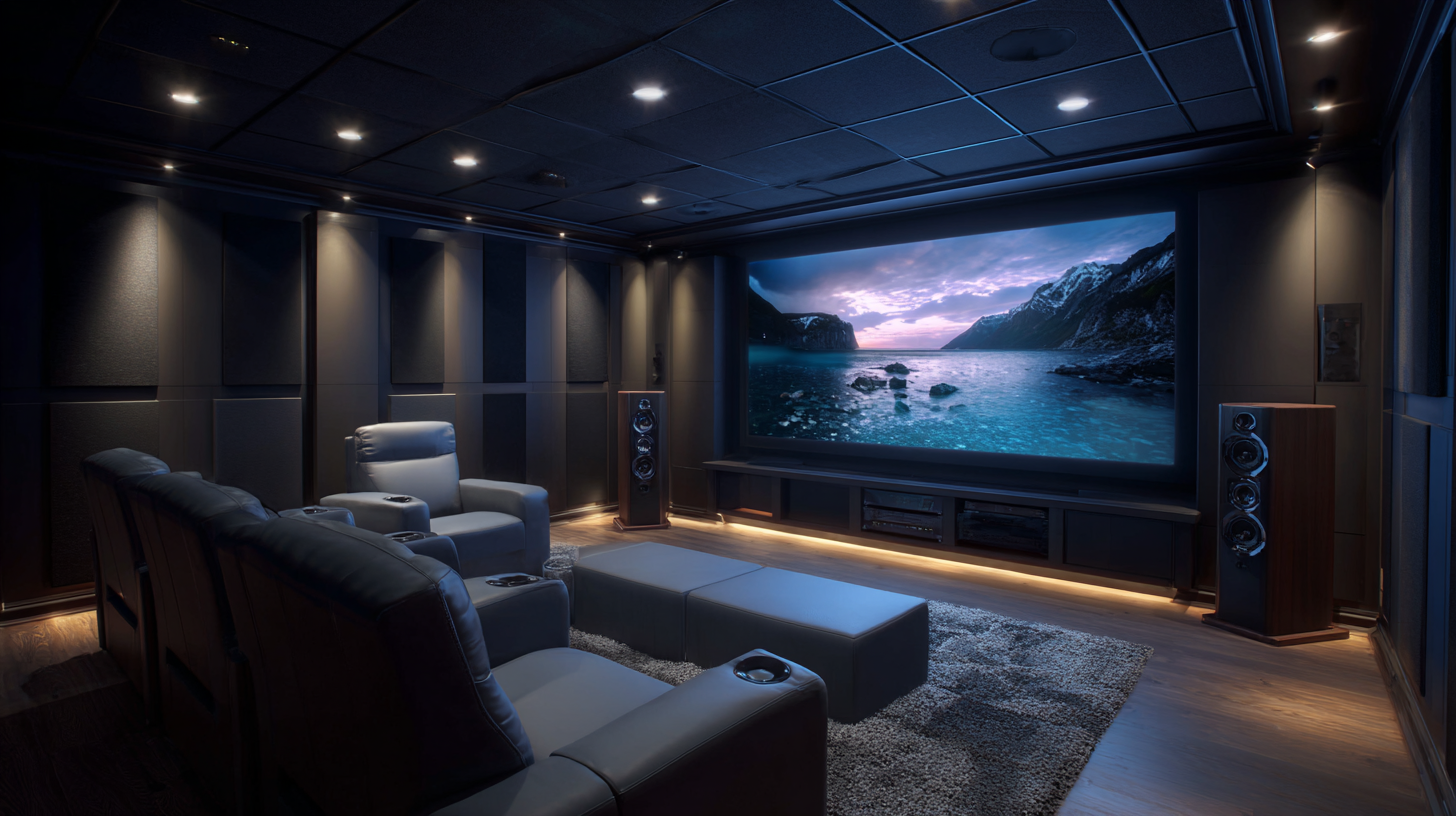
AV technology is used in any environment where sound and image need to be delivered simultaneously to an audience, whether a single person in a home office or several hundred people in a conference center.
Common AV applications by space type are considered below.
Conference rooms and boardrooms
AV systems enable video conferencing, presentation display, and audio reinforcement for in-room and remote participants simultaneously. The system typically integrates a display or video wall, ceiling microphones, a camera, and a speakerphone or ceiling speaker array.
Classrooms and training rooms
Displays, microphones, and lecture capture systems deliver content to students present in the room and to remote learners. AV in education often includes document cameras, interactive flat panels, and recording infrastructure.
Houses of worship
Sound reinforcement systems, video projection, and live streaming equipment serve congregations in the physical space and online audiences. Large worship centers may operate separate front-of-house and broadcast AV systems simultaneously.
Event spaces and auditoriums
Full-scale PA systems, stage lighting, video walls, and broadcast infrastructure support live events. These installations are typically the most complex, combining multiple signal formats and large speaker arrays.
Home theaters
Integrated audio playback, large-format video projection or display, and streaming control systems deliver a cinema-grade experience in a residential setting.
Lobbies and retail spaces
Digital signage, background music systems, and public address systems provide visual communication and ambient sound in customer-facing environments.
In New York City, commercial AV installations frequently require acoustic treatment as part of the design process. Open-plan offices with hard surfaces, glass-walled conference rooms, and historic buildings with stone or brick interiors have high reverberation times that limit the intelligibility of speech from any AV system. Acoustic treatment is addressed in parallel with AV installation in these environments.
How Does an AV System Work?
An AV system works by capturing audio and video signals from source devices, routing them through processing and control equipment, and delivering the processed output through speakers and displays. This signal path - from source to output - is the core architecture of any AV system, regardless of its size or complexity.
The four stages of signal flow in an AV system are: Source → Processing → Distribution → Output.
In a conference room, a practical example of this flow is: a laptop (source) connects to an AV switcher (processing), which routes the signal to a wall-mounted display and ceiling speakers (output). Simultaneously, a camera and ceiling microphones feed audio and video to remote participants through the same switcher. A touchpanel on the conference table controls signal routing, speaker volume, and display power without requiring direct interaction with any individual device.
A control system is not required in every AV installation, but it becomes necessary when the number of devices, signal sources, or user interactions exceeds what can be managed through manual switching. In large auditoriums, corporate boardrooms, and integrated home systems, a control processor automates signal routing and device management through a single interface.
AV Systems and Room Acoustics
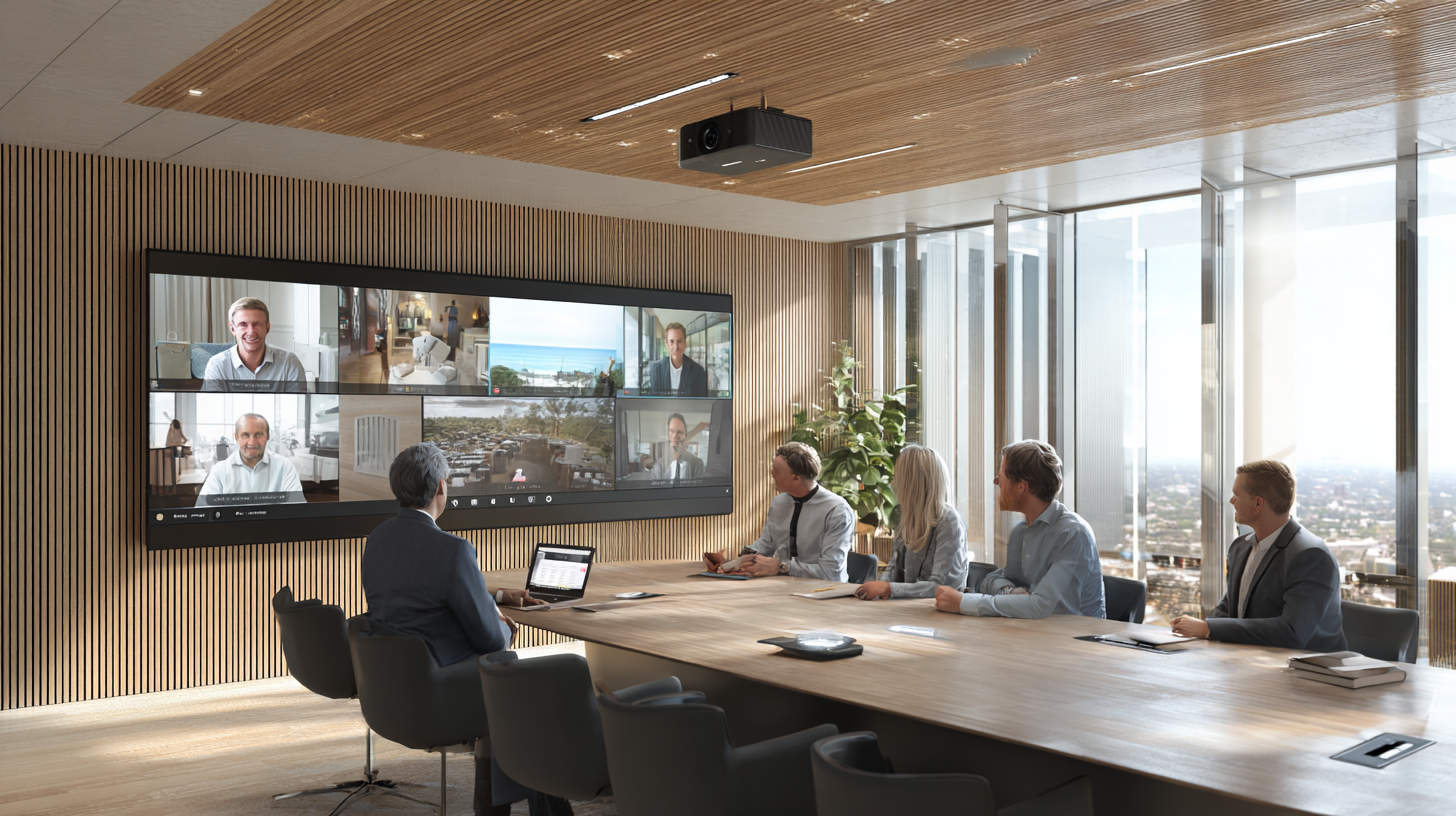
The performance of any AV system is directly affected by the acoustic properties of the room in which it is installed. A high-quality speaker system in a space with poor acoustics - excessive reverberation, flutter echo, or uneven frequency response - will not deliver intelligible speech or clear audio reproduction regardless of equipment quality.
The primary acoustic parameter affecting AV performance is RT60 - the time it takes for sound to decay by 60 dB after the source stops. When RT60 exceeds 1.5 seconds, reflected sound from early speech syllables overlaps with subsequent ones, reducing the Speech Transmission Index (STI) below the minimum intelligibility threshold of 0.60 even in a correctly installed AV system.
Spaces that commonly require acoustic treatment before or alongside AV installation include:
- Conference rooms with glass walls, hard floors, and reflective ceilings
- Open-plan offices where speech from one zone carries into adjacent work areas
- Houses of worship with stone, brick, or plaster surfaces and high vaulted ceilings
- Historic buildings in New York City where original construction materials produce RT60 values above 2.0 seconds
New York Soundproofing provides acoustic assessment and treatment for commercial and residential spaces in NYC as part of AV system design and installation projects.
Contact New York Soundproofing for an acoustic consultation before your AV installation: (877) 999-2201